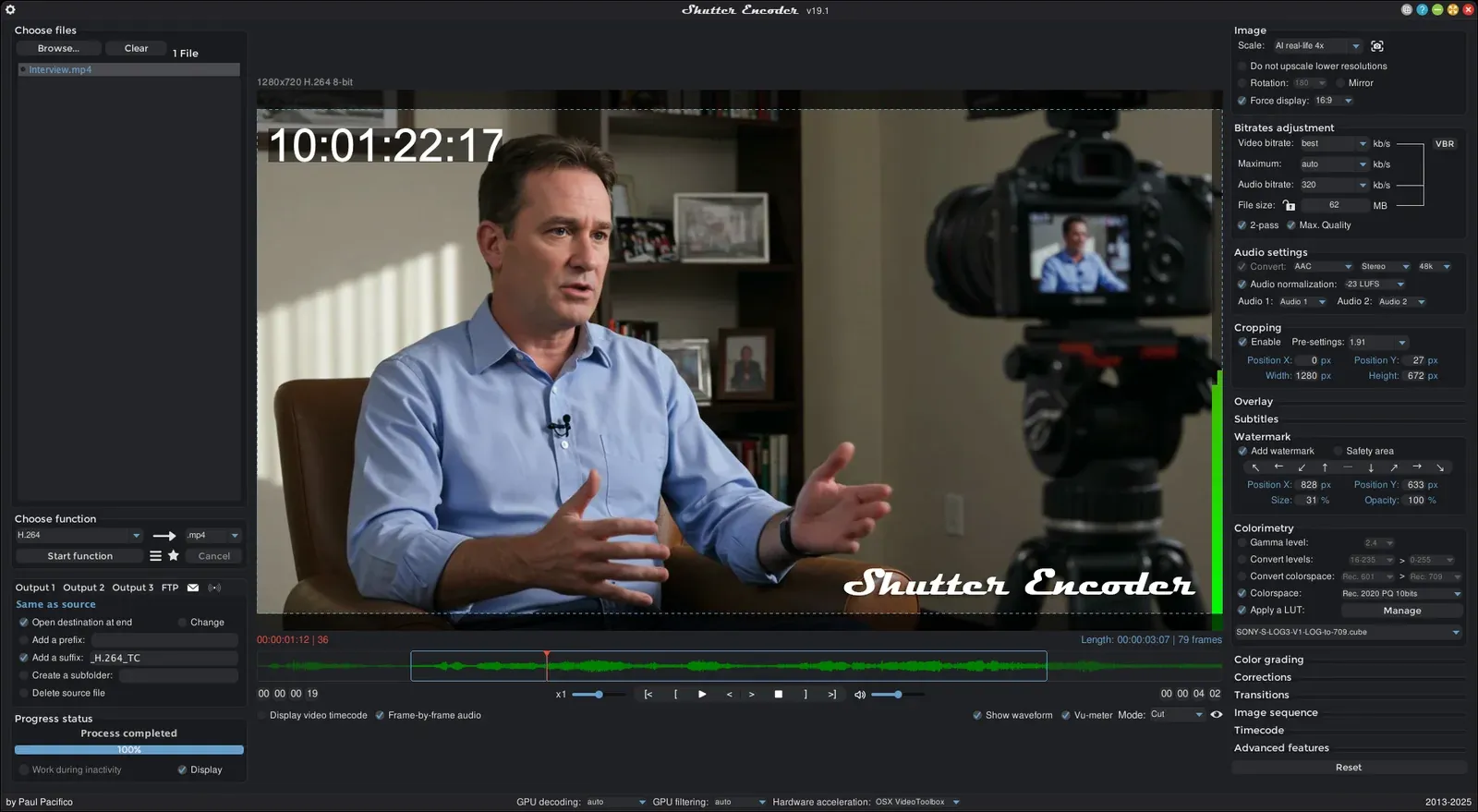
To burn permanent subtitles into your mp4 file when you already have an srt subtitles file
- Have your video and subtitle files in the same folder, named the same like:
videoname.mp4videoname.srt
- Install Shutter Encoder and open it
- Drag
videoname.mp4into Shutter Encoder - In the
Choose functiondropdown, ignore Subtitling and instead select, further down,H.264(that or H.265, I was told; I used H.264) - A bigger window opens
- Click on
Subtitlesover on the right - Select the
Add subtitlesradio button - Change the font; no one wants Arial (I used Montserrat in a hurry)
- If you like, change the font colour and the outline colour etc.
- Over on the left (underneath
Start function),Add a suffixor anything else you want - 🥁 drum roll …
- 🚀 Click
Start function - ✅ You’re done